What changes depending on where you build your workflow
The Brain Studio canvas, Jelou Agent 2 and the CLI write to the same project. What changes is who can use them, how much you hand to the agent, and where the work ends up.
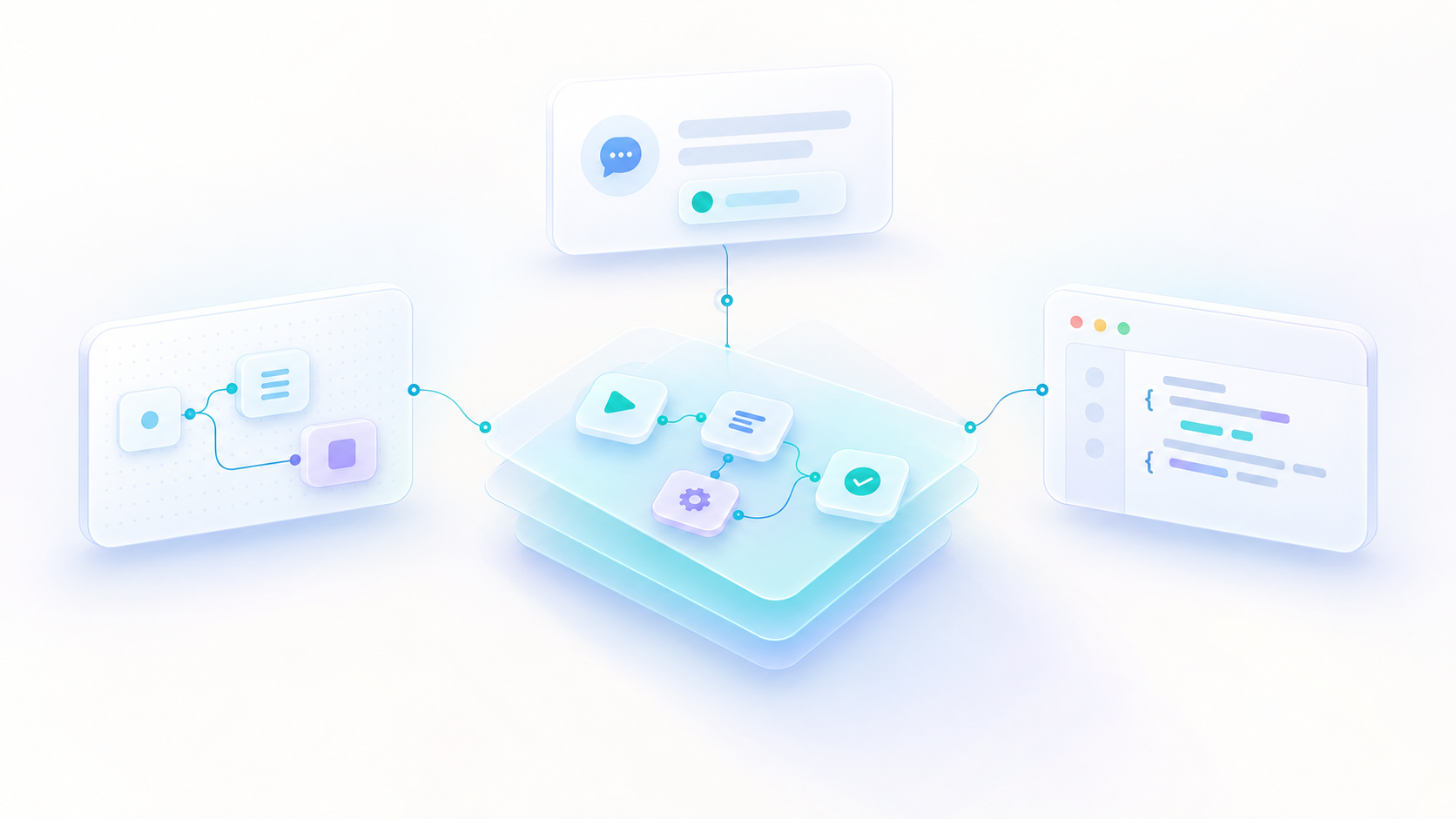
Jelou has three surfaces for building the same thing. On the Brain Studio canvas you build the workflow yourself, seeing each step as a block you connect to the others. With Jelou Agent 2 you describe it in conversation and the agent builds it. With the Jelou CLI you work from your own editor, with the project turned into files on your machine. Choosing between them looks like an architecture decision you should get right up front, and in practice it is closer to picking a tool for the task in front of you.
All three write to the same project
A Jelou project holds one or more workflows, and each workflow is a sequence of connected blocks. That is the material all three surfaces work on: a workflow created in conversation with Jelou Agent 2 opens afterwards on the Brain Studio canvas, and that same workflow lands on your disk with jelou pull. All three read and write the same workflow inside the same project.
That takes weight off the decision, because no choice locks you in: you can start with the agent, refine on the canvas and carry on from the CLI on the same project, without redoing anything. It also settles a common doubt. Publishing a change and rolling back to an earlier version does not depend on the surface you use, because the platform has its own version history and its own publishing flow.
Who builds, and where the work ends up
The first difference is who can use it. Brain Studio and Jelou Agent 2 are within reach of anyone in your company. The CLI assumes you are comfortable with a terminal and an editor, and that alone settles a good share of cases when the person maintaining the workflow day to day is not the person who built it.
The second is how the work splits between you and an agent. Jelou Agent 2 has its own place in the platform and works across your whole company without asking you to pick a project before you type: you can ask it for a report, a campaign or a database without opening a workflow. It remembers context between conversations and asks for explicit approval before an operation that changes state, scoped to the conversation, the project or the company.
That same agent is also available in Brain Studio, with the chat beside the canvas and the option to collapse it to see the full workflow. You can ask it to build a stretch and correct the workflow yourself without leaving the screen.
The CLI is the one that does change environment. It is designed for an AI agent to drive it from your own editor, so that agent also reaches your repository, your tests and your continuous integration.
The third is where the work ends up. With the canvas and with the agent it lives in the platform and is governed from there. With the CLI it also lives in files on your side, with a lockfile and branches, which lets you review it with the same tools you already use for the rest of your code.
When each one fits
Inside the platform the question is not which one to use, but how much you hand to the agent at each moment. Lean on it when you are starting from scratch, when the task crosses several areas at once — a channel, a template, a database, a report — or when it helps that it already has your company's context and remembers earlier decisions. Also when you want to package what you built as a template to reuse or share it.
Take the canvas yourself when you need to see and adjust the workflow precisely, when you are refining something that already exists, or when whoever maintains the workflow would rather work visually. Alternating within the same session is the norm: you ask for the first build and correct by hand whatever came out imprecise.
The Jelou CLI is the different decision, because it takes you out of the platform. It fits when the Jelou project lives alongside other code and you want to treat them the same, when your team already reviews changes through its own flow before publishing them, or when you want to automate steps inside your continuous integration.
There is one more difference worth being clear about before you choose: asking the agent to build consumes your company's AI credits, the same ones the AI nodes in your workflows use. Building the workflow yourself on the canvas does not consume them. Each plan includes an amount, and they can be topped up.
How they combine in a project
On implementations with several clients it is normal for one week to pass through all three. You describe the workflow to the agent and let it build the first version; with the chat collapsed to one side you correct on the canvas whatever came out imprecise, without switching screens. If that project lives alongside other code, you link it with jelou link and pull it down with jelou pull to carry on from your editor.
The reverse path is just as common. A project that already lives in files can take an adjustment from the canvas when someone on the team needs to touch it without a terminal, and the CLI detects that divergence the next time you pull. Which direction applies depends on who has the work in their hands that day.
What versioning with the CLI does not mean
Branches and the lockfile organise your side of the work. The runtime is still Jelou and channels still serve what the platform publishes, so working from files does not take your agents out of the platform. What you gain is being able to treat a Jelou project like any other repository, with review before a change reaches production.
Where to start
If you have not used any of them yet, start with Jelou Agent 2: it needs no installation and shows you the result on the canvas, so you get to know two surfaces at once.
If you already work with a repository and a review flow of your own, link a project with the CLI and treat it the way you treat the rest of your code. Either way you will end up moving between surfaces, and knowing which one suits you on a given day is what saves you redoing work.
Support
Still stuck?
Open it from your account.
How to write to us